Users, sessions and API tokens
Tusk runs in one of two modes.
Single-user mode (default)
No login. Anyone who can reach the port is the operator — the right choice
on your laptop, and the reason tusk studio binds to 127.0.0.1 by
default. Admin endpoints additionally require the request to come from
loopback (or TUSK_ADMIN_ALLOW_LAN=1 for a trusted private network).
Multi-user mode
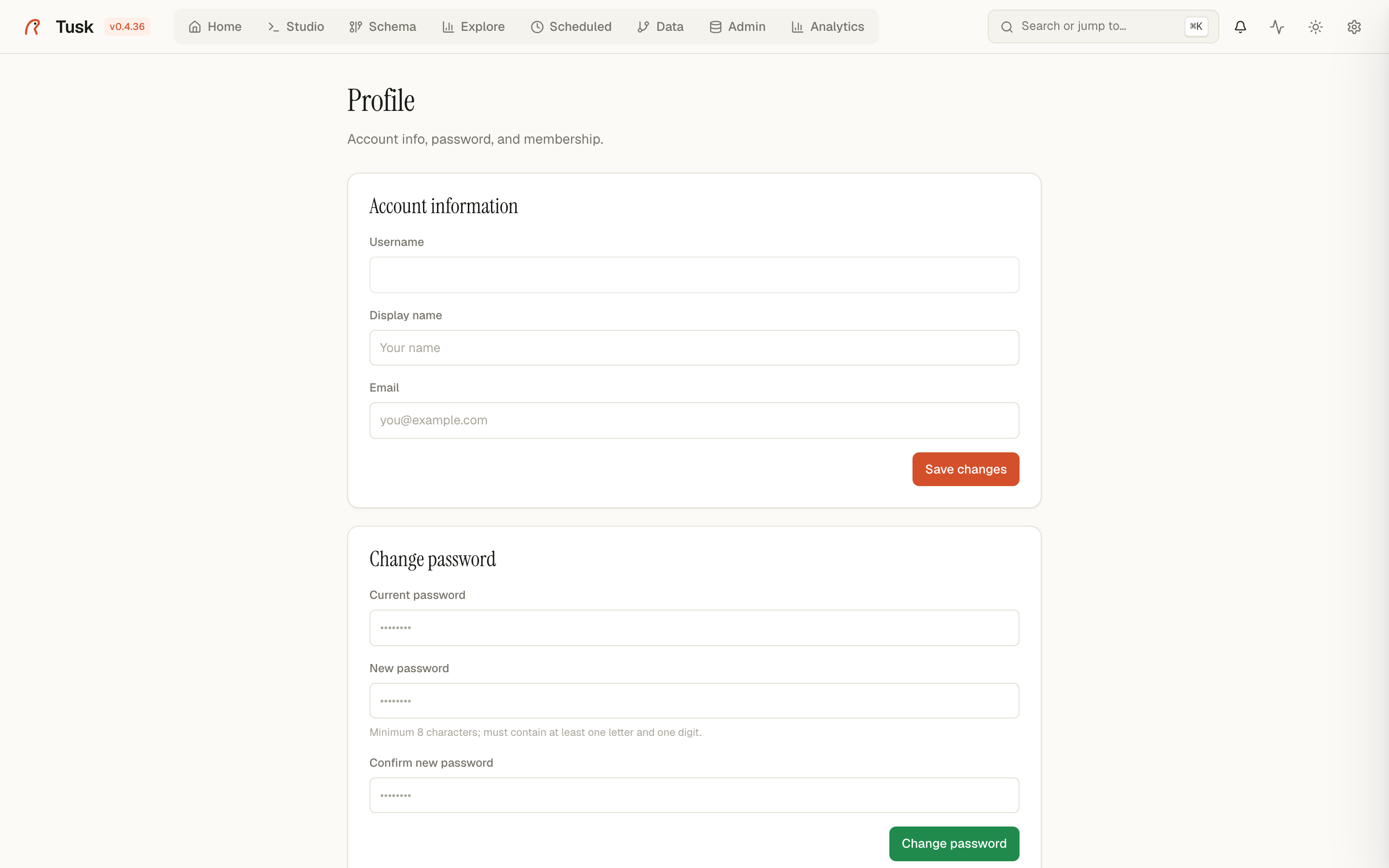
- Users, groups and permissions are managed in Users (admins) and Profile (everyone).
- Default groups: Administrators, Data Engineers, Analysts, Viewers.
- Sessions live 24 hours in a
tusk_sessioncookie. Logins are rate-limited (5 per minute per IP) and every login/logout is in the audit log. - Connections, saved queries and scheduled jobs are owned by the user who created them; admins see everything.
Personal API tokens
A token lets something that isn't a browser act as you: MCP clients (Claude Code, Cursor), scripts, CI. It stands in for the session cookie, so it inherits exactly your permissions and ownership — nothing more.
Create one in Profile → API tokens, or from the CLI:
tusk auth token create alice "claude-code on my laptop" --expires-days 90
tusk auth token list alice
tusk auth token revoke <token-id>
The plaintext (tusk_…) is shown once; Tusk stores only a hash. Send it
as a header:
Notes:
- Requests authenticated with a token and no session cookie skip the CSRF check — CSRF exploits the browser attaching cookies by itself, which a script setting an explicit header cannot be tricked into.
- Creating and revoking tokens is audited (
token.create,token.revoke). Revocation is immediate. - Tokens exist only in multi-user mode; in single-user mode there is no user to be.
- Log lines emitted during a request carry the authenticated username
(
user=alice), whichever credential was used.
Audit log
Admin → Audit lists logins, user changes, data exports, token events and every MCP tool call, with user, IP and timestamp.