Notifications
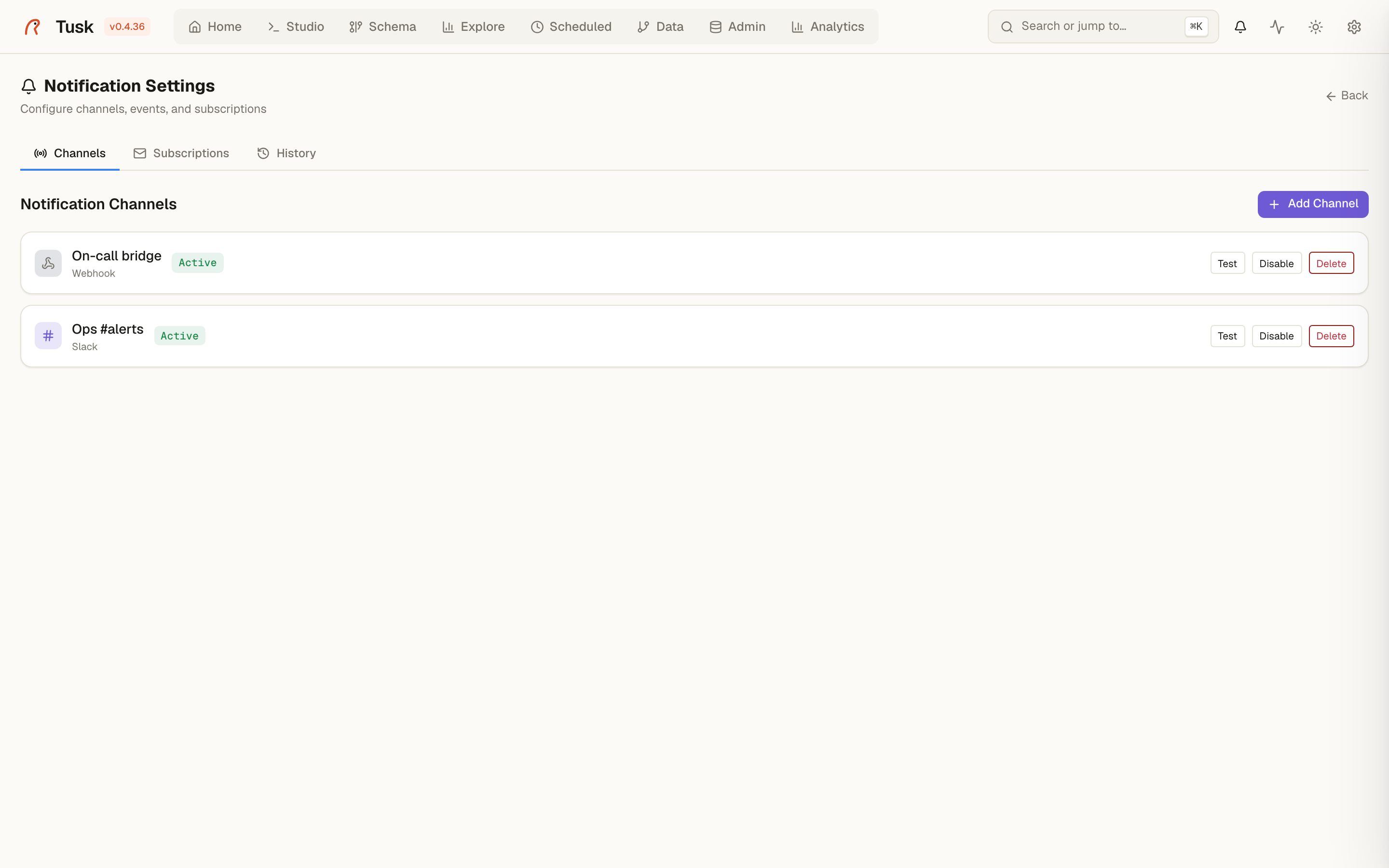
Tusk raises events — a scheduled job failed, a backup finished, the schema changed, a contract broke, a user was created — and you decide which of them reach you and where. The bell in the header shows the in-app feed; Settings → Notifications configures the rest.
Channels
| Type | Needs |
|---|---|
| Slack / Discord | An incoming-webhook URL. |
| Telegram | Bot token + chat id. |
| Email (SMTP) | Host, port, credentials, from/to addresses. |
| Custom webhook | Any URL; receives the event as JSON (event, title, message, variant, context, timestamp). |
Every channel has a Test button that sends a sample message before you wire it to anything.
Webhook and Slack/Discord URLs pointing at private networks are refused
unless TUSK_ALLOW_PRIVATE_WEBHOOKS=1 is set — a self-hosted Tusk should
not be usable as a proxy into its own LAN.
Subscriptions
A subscription is event → channel. Events are grouped by origin:
scheduler.job.success/scheduler.job.error— Scheduledcore.backup.completed/core.backup.failedcore.download.completed/core.download.failed— open-data downloadsschema.changed— Schema Watchcontract.violated/contract.restored— Data Contractscore.user.created- events registered by plugins (Analytics: dashboard refresh)
Unsubscribed events still land in the in-app feed. Noisy events are rate-limited per event key, so a flapping check does not page you every minute.
Alert rules
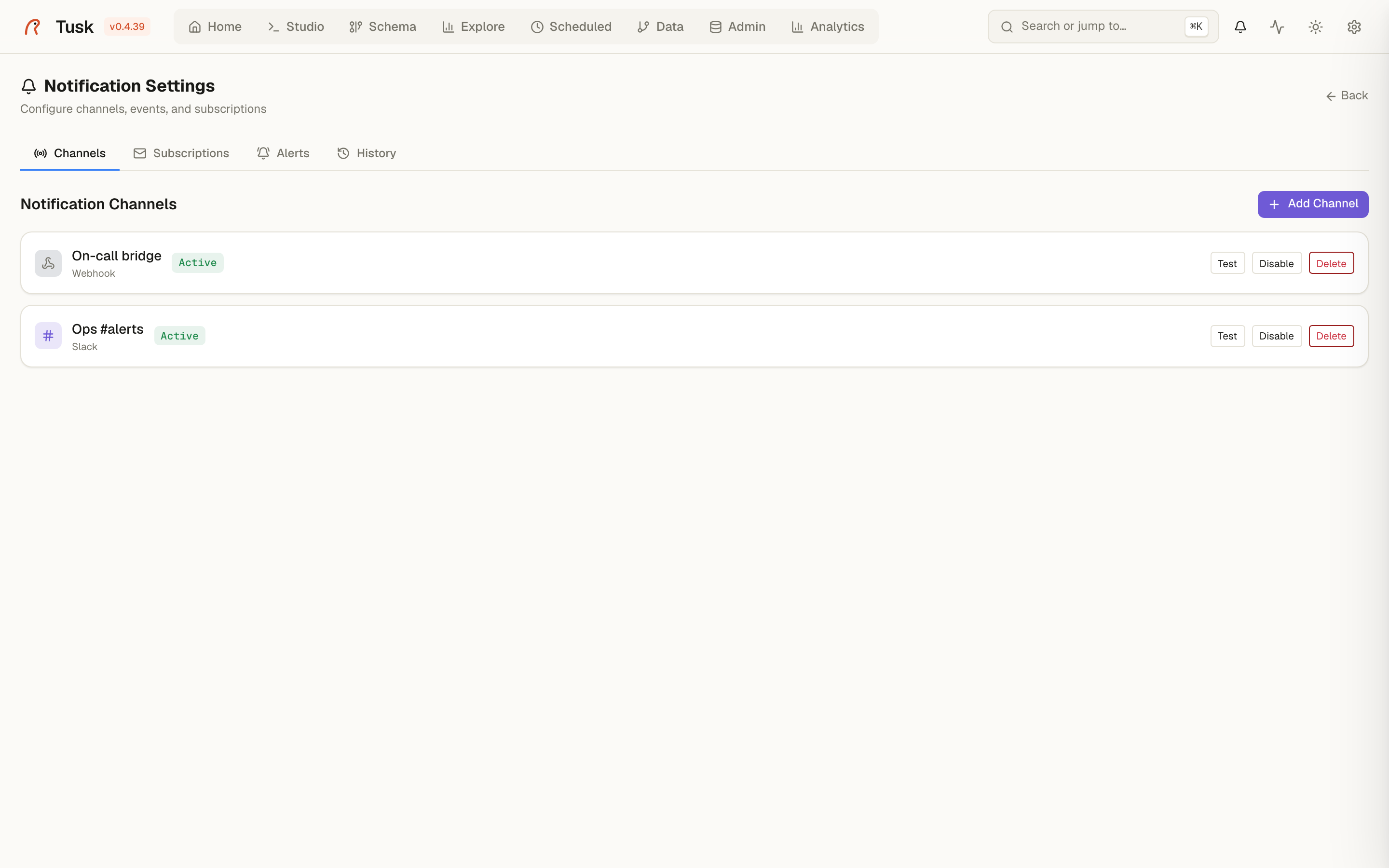
Settings → Notifications → Alerts. A rule watches one number and notifies when it crosses a threshold:
when Connections used > 80 % for 120 s →
alert.fired
What a rule can watch:
- an Admin metric of a PostgreSQL connection: connections used (%), active queries, cache hit ratio (%), database size (GB), longest running query (s);
- a saved query — the first numeric cell of its first row, run on the query's connection (read-only queries only);
- a dashboard widget — its query through the Analytics engine.
Rules are evaluated every minute. For at least N seconds means the
condition has to hold across consecutive checks before the rule fires;
0 fires on the first breach. A rule fires once and stays firing
until the value comes back, which sends alert.resolved. Subscribe the
channels you want to those two events; each rule has its own rate-limit
slot, so two rules firing in the same minute are both delivered.
A rule whose source fails (connection down, query error) shows error
with the reason and does not page. Evaluate now runs a rule on demand,
Pause keeps it without checking. Creating and deleting rules is
audited.
History
Notification History lists what was sent, to which channel, when, and whether delivery succeeded — the first place to look when "the Slack message never arrived".