Scheduled jobs
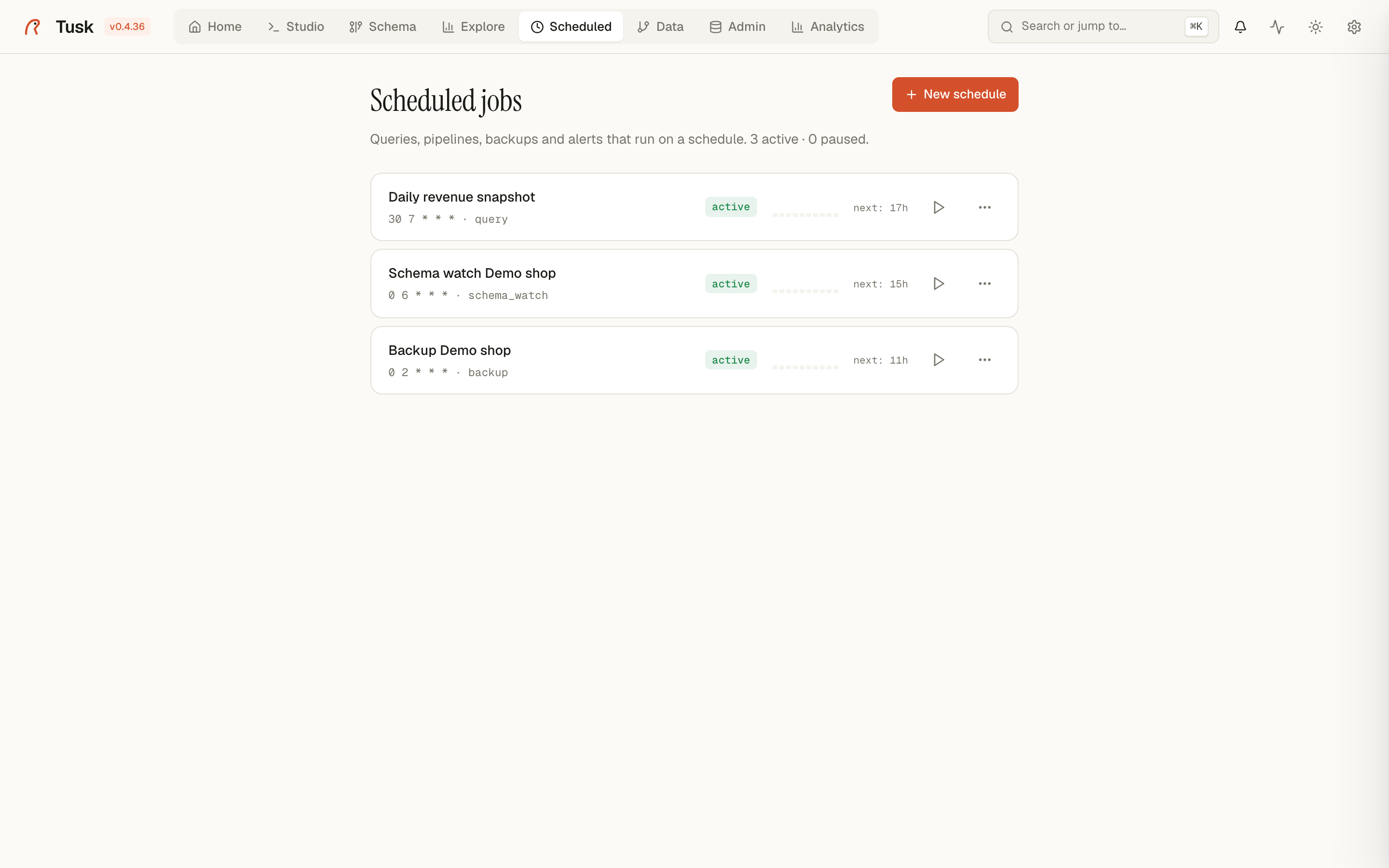
Scheduled runs work on a cron, an interval or at one exact moment, inside the
Tusk process — no external cron, no sidecar. Jobs, their runs and their
output live in ~/.tusk/.
Job kinds
| Kind | What it does |
|---|---|
| Backup | pg_dump of a connection to a destination folder, in custom, plain or directory format. Keep last N prunes older files, so a daily backup does not fill the disk. |
| Vacuum / Analyze | Maintenance on a whole database or a list of tables. |
| Query | Run a SQL statement on a connection. Results can be saved as a snapshot (Save results as) and downloaded from the run history — a cheap way to keep a daily report. |
| Pipeline | Execute a pipeline saved on the Data page; each run's output file is kept and downloadable. |
| Schema watch | Snapshot the catalog and notify on drift — see Schema Watch. |
| Plugin | A job a plugin registered (Analytics uses this for dashboard refreshes). |
Triggers
- Cron — a standard five-field expression (
0 6 * * *). The page shows the next run in your timezone. - Interval — every N seconds, minutes or hours.
- One-time — at an exact moment; the job is removed after it runs.
A job can be paused and resumed, run on demand (Run now) and its trigger changed without recreating it.
Runs and notifications
Every run is recorded with start, duration, status and the error message
when it failed. Each run ends with a scheduler.job.success or
scheduler.job.error event; subscribe a channel to the error one under
Notifications to get Slack, Discord, Telegram, email or
a webhook call. Backups additionally emit core.backup.completed /
core.backup.failed.
API
GET    /api/scheduler/jobs
POST   /api/scheduler/jobs/{backup|vacuum|analyze|query|pipeline|schema_watch|plugin}
POST   /api/scheduler/jobs/{id}/run | pause | resume
PUT    /api/scheduler/jobs/{id}/trigger
GET    /api/scheduler/jobs/{id}/runs
DELETE /api/scheduler/jobs/{id}
Jobs are owned by the user who created them in multi-user mode; admins see all of them.